When your EP charger flashes a fault code, it’s almost always pointing to a battery voltage problem (F1 series) or a communication error (F5 series). The most common code, F1.3 Undervoltage, is a dead giveaway for a bad connection at the battery or a dead cell in the pack. First, try a hard reset by disconnecting the main battery connector for 10 minutes. If the code returns, the problem is physical—likely a failed component.
The Quick Diagnosis
A recurring fault code after a reset indicates a hard fault, not a glitch. This usually means a component has failed, often the charger's internal power module or the battery's own management system (BMS). The villain is downtime caused by a failed part. This guide walks through identifying the exact code, performing a safe reset, and pinpointing the root cause to get you running.
Symptoms & Identification
The first step is understanding what the machine is telling you. A fault with an EP forklift charger usually shows up as a specific flashing light pattern on the charger unit itself—a repeating Red-Green-Red sequence is a classic indicator. The operator will also see a specific code on the forklift's display. You might also notice the forklift can drive, but the lift and tilt hydraulics are dead. This is a built-in safety feature to preserve remaining battery. Matching the symptom to the fault code family is the quickest way to get on the right track.
This decision tree gives you a simple, visual guide for those initial diagnostic steps.
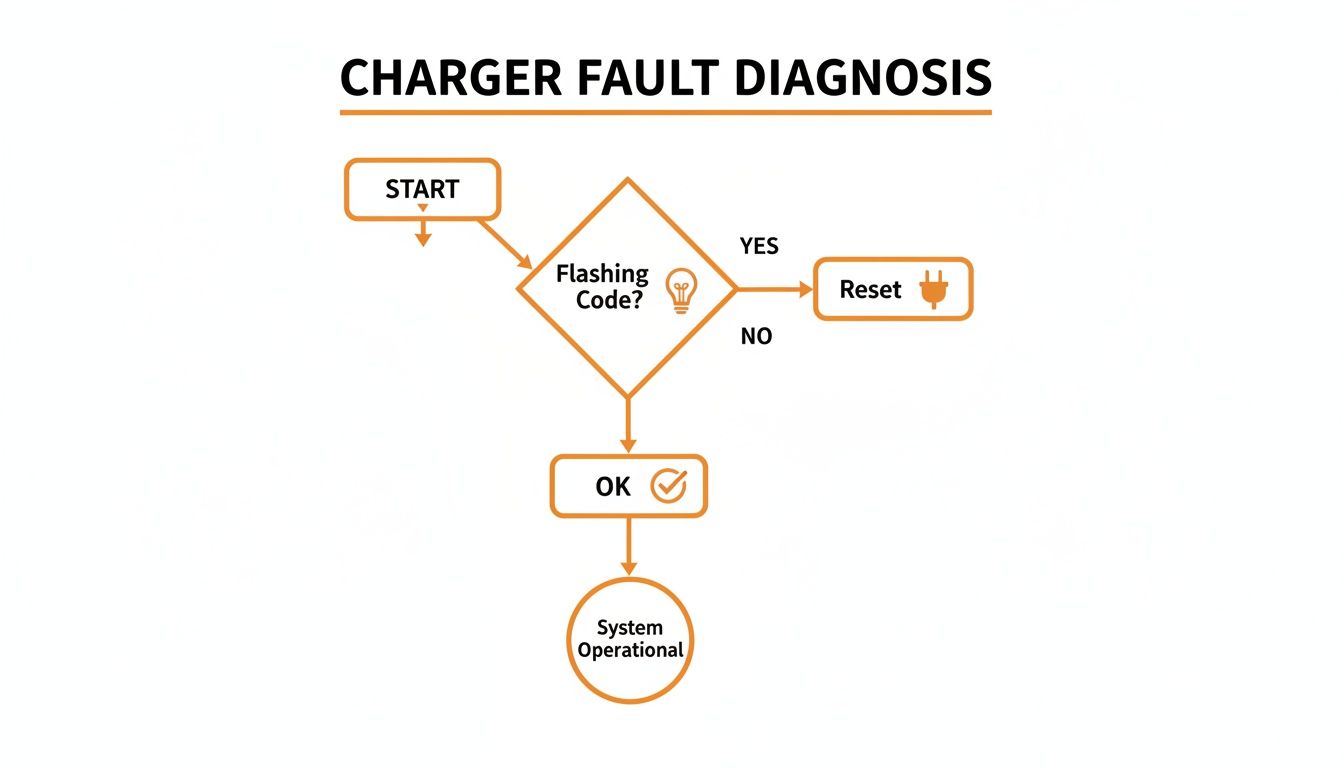
As the flowchart shows, your first move after seeing any flashing indicator should be a hard reset. This often clears temporary software glitches.
EP Charger Symptom to Fault Code Cross-Reference
This table helps you match real-world operational issues with the most likely fault code series, pointing your diagnostic efforts in the right direction from the start.
| Operational Symptom | Visual Indicator | Likely Fault Code Series | | :--- | :--- | :--- | | Forklift Drives but Will Not Lift | Error on forklift display, charger flashing | F1 (Voltage Issues) | | No Response from Machine | Solid red light on charger, no display | F4 (Motor/Driver Fault) | | Intermittent Power Loss While Driving | Flickering display, inconsistent charger light | F1 (Voltage Issues) | | Charger Fails to Start Charging Cycle | Alternating Red-Green lights on the charger | F5 (Communication Error) | | Machine Stops, Emergency Brake On | Brake fault code on display | F3 (Brake/Interlock) |
Using this cross-reference saves valuable time by narrowing down the possibilities before you start testing individual components.
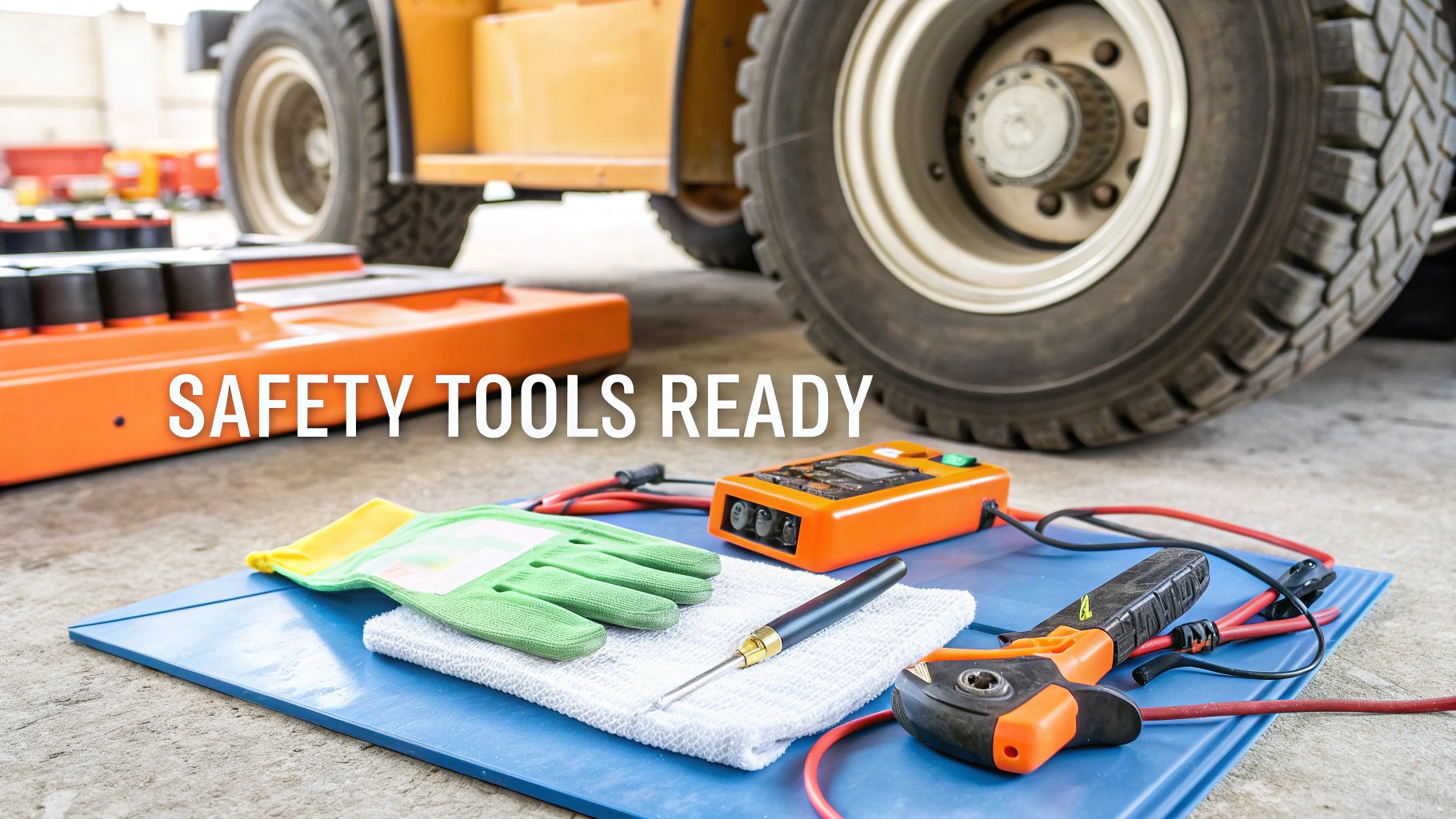
Tools Required
- Digital Multimeter (non-negotiable for checking voltage and continuity)
- Insulated Wrench Set (prevents dangerous arc flash at battery terminals)
- Terminal Cleaning Brush (stiff wire brush to remove corrosion)
- Electrical Contact Cleaner (removes residue and protects connections)
Safety Warning
Always treat the battery system as live until you've proven otherwise with your multimeter. A short circuit across the main terminals can weld tools instantly, cause a battery explosion, and result in severe burns. Chock the forklift wheels and wear insulated gloves and safety goggles. When disconnecting the battery, always remove the negative terminal first to break the circuit and minimize short-circuit risk.
The Technical Guide (Step-by-Step)
When an EP forklift charger flags a fault, it’s the controller sending a specific SOS about what it's seeing. Your job is to translate that code into a physical problem.
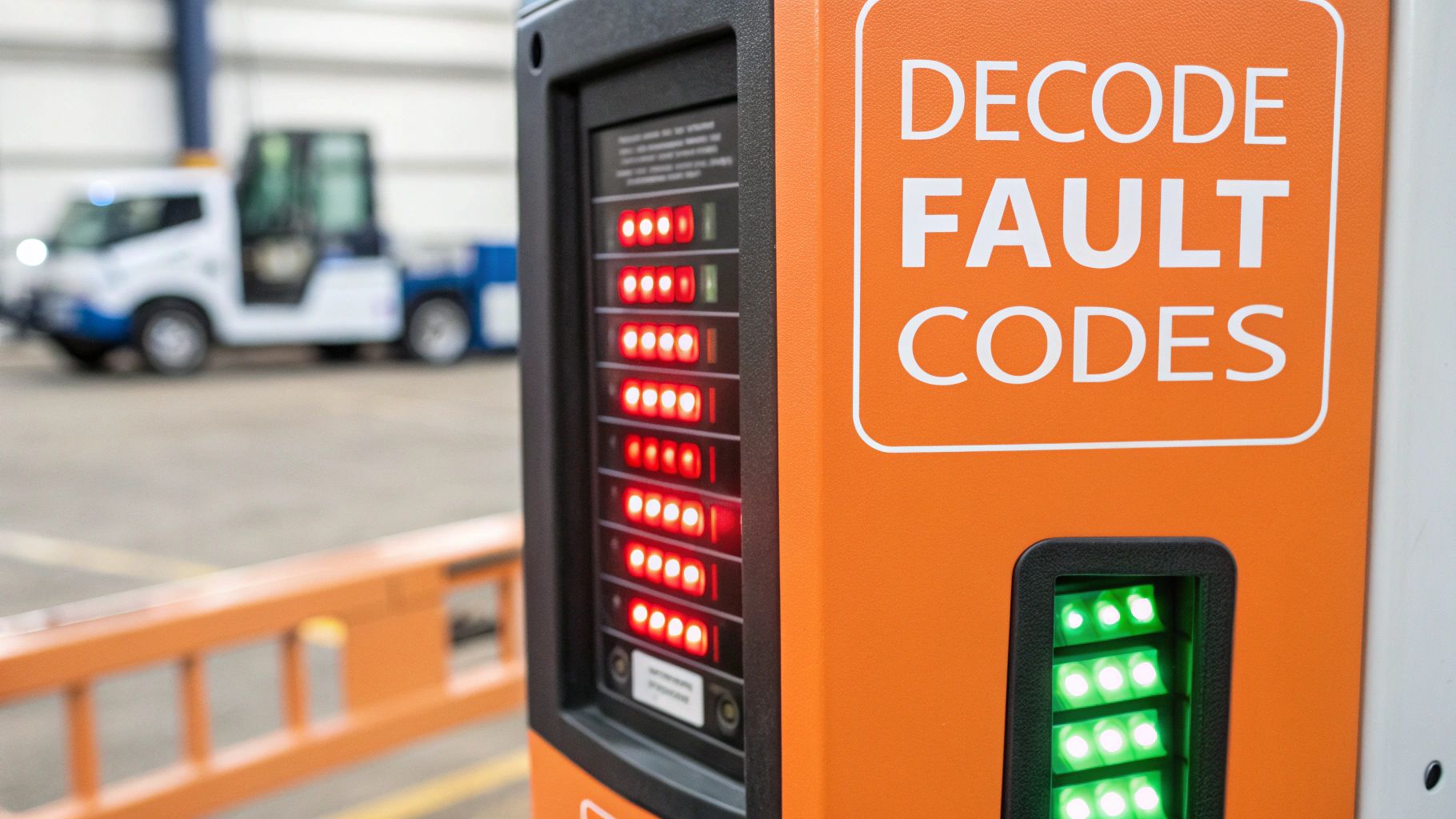
1. Identify the F1 Series: Voltage Faults
The F1 codes mean the ECU is seeing a battery voltage outside its safe operating window. These are often the easiest to diagnose.
- Code F1.1 Overvoltage: Less common. The ECU is reading a voltage that's too high. This can happen if the wrong charger was used or the charger's voltage regulation circuit has failed.
- Code F1.3 Undervoltage: The most common fault. The ECU has detected voltage below a critical point (around 16.8V for a 24V system). The lift function is disabled to save power. This is usually a loose main connector, heavy terminal corrosion, or a failing cell inside the battery.
To Diagnose F1 Codes:
- Start with the basics: Disconnect the battery, clean the terminals with a wire brush and contact cleaner, and reconnect securely.
- Check Static Voltage: If the code returns, put your multimeter across the main battery terminals (forklift off). A healthy 24V battery should read around 25.4V. A significantly lower reading points to the battery itself.
- Perform a Load Test: Keep your meter on the terminals and have an operator try to lift the forks. If you see a dramatic voltage drop the second the hydraulic pump engages, you've found a weak or dead cell that can no longer supply the required amperage.
These connection and battery issues account for roughly 25% of all charger-related downtime, according to 2023 telematics data. You can find detailed error documentation from providers like SHS Handling Solutions.
2. Identify the F2 & F3 Series: Interlock and Safety Faults
These codes shift focus from the charger to the forklift's safety circuits.
- Code F2.3 Sequence Fault: The ECU has seen an input out of order, often caused by an operator trying to drive with the tiller arm locked upright or another safety interlock not satisfied.
- Code F3.2 Brake On Fault: Points to a problem with the electromagnetic brake driver circuit. The ECU isn't getting the right signal from the brake coil, indicating a shorted coil or a wiring problem.
Mechanic's Tip: When chasing F2 or F3 faults, check the tiller switch, belly button switch, and emergency stop for proper continuity. These simple switches wear out and cause confusing interlock faults.
3. Identify the F4 Series: Motor and Driver Faults
F4 codes are serious and demand immediate attention, often pointing to a hardware failure in the motor controller or drive motor.
- Code F4.1 Motor Driver Overcurrent: The ECU has detected the drive motor is drawing too much current. This could be a short in the motor windings, a seized bearing, or a failure in the controller's power output stage.
- Code F4.2 Main Contactor Welded: The main power contactor has failed to open. The contacts have likely welded themselves shut from high-current arcing.
To Diagnose F4 Codes: Kill the power and use your meter to check the motor windings for a short to the motor case. Then, visually inspect the main contactor for blackening, melting, or pitting on the contacts.
4. Identify the F5 Series: Communication Faults
The F5 series is about communication and the Battery Discharge Indicator (BDI).
- Code F5.1 Low BDI: Straightforward. The battery's state of charge is critically low. The lift function is disabled to save power for driving to a charger.
- Code F5.4 CAN Bus Error: A communication breakdown on the CAN-Bus network. The main controller isn't hearing from another component, like the charger or tiller head display. This is often a damaged wire or a loose connector.
For an F5.4 fault, start with a thorough visual inspection of the wiring harness for pinch points, chafing, or corrosion.
5. Perform the Hard Reset
If a fault code appears, the first step is a hard reset.
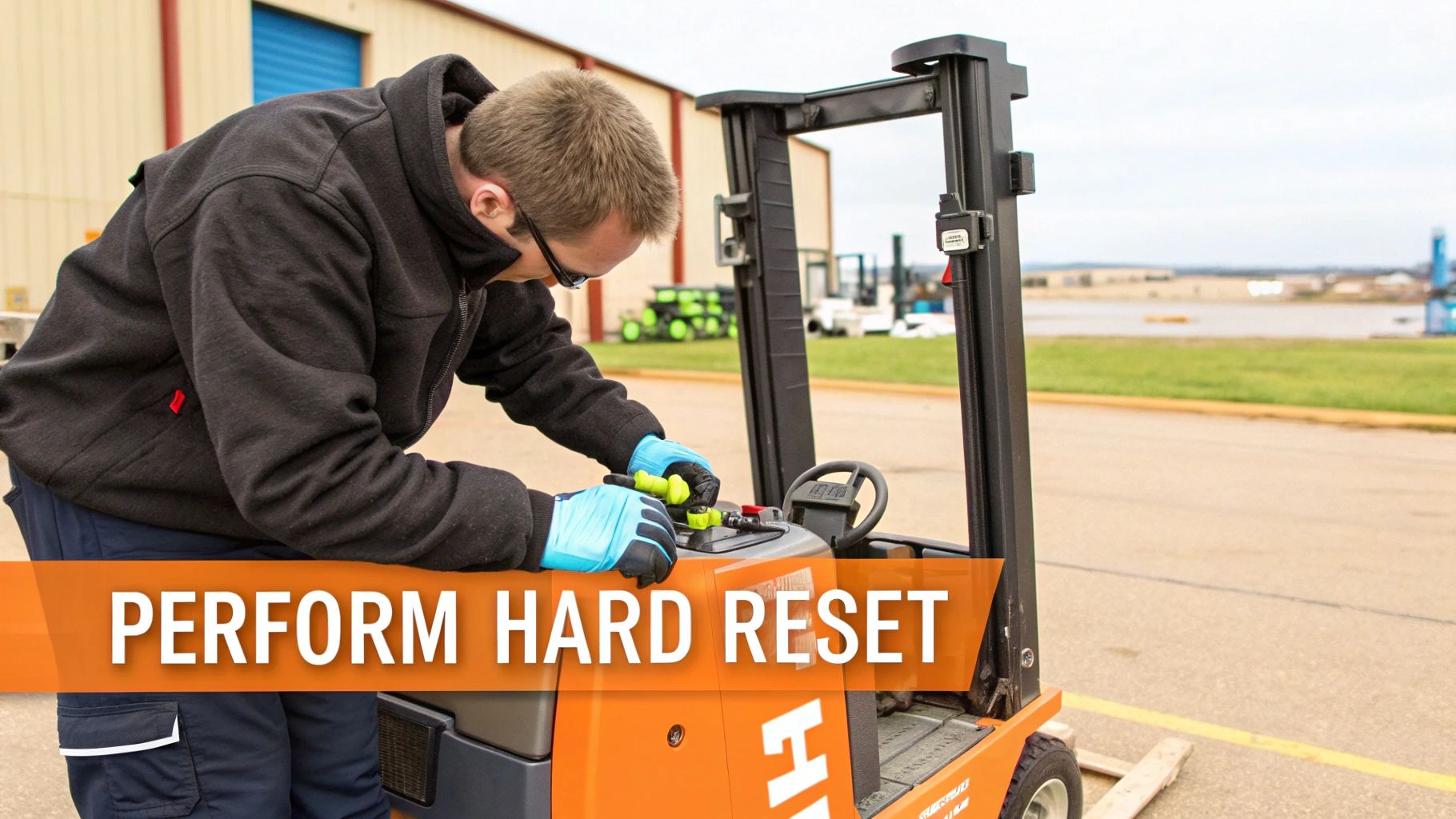
- Park the forklift on level ground and chock the wheels.
- Turn the key switch to OFF and remove the key.
- Wear insulated gloves and pull the main battery connector apart.
- Wait at least 10 minutes. This is critical for capacitors inside the controller to fully discharge.
- Inspect and clean the connector terminals with a wire brush.
- Reconnect the battery securely until it locks.
- Turn the key switch ON and observe the display. If the code returns, it's a "hard fault" caused by a failed part.
6. Diagnose Persistent Faults After Reset
If a reset doesn't work, grab your multimeter. A persistent code means a physical problem.
<iframe width="100%" style="aspect-ratio: 16 / 9;" src="https://www.youtube.com/embed/--iD86Zi9T0" frameborder="0" allow="autoplay; encrypted-media" allowfullscreen></iframe>- For F1 Faults: Use the voltage and load tests described in Step 1. A battery with a dead cell will show decent static voltage but will collapse under load. More guides are available in our EP Equipment troubleshooting guides.
- For F2/F3 Faults: Check continuity on the belly button switch, E-Stop button, and key switch. A faulty E-Stop will prevent the main contactor from closing. These faults can be complex; EP Care fault statistics show brake driver errors (F3.2) represent 16% of all controller-dependent faults. Refer to MEWP electrical schematics for more detail.
- For F4 Faults: Before condemning the controller, test the components it controls. Disconnect the electromagnetic brake leads from the controller. Set your multimeter to ohms and measure resistance across the coil wires. A good coil reads between 25-50 ohms. An open circuit (OL) or dead short (0 ohms) means the brake coil has failed.
7. Prevent Future Faults
Proactive maintenance beats reactive repairs.
- Lead-Acid Batteries: Maintain a strict watering schedule. Low water levels expose plates, causing permanent damage and undervoltage faults. Keep terminals clean with a wire brush to prevent voltage drops.
- Lithium-Ion Batteries: Encourage opportunity charging during breaks. Frequent, shallow charges are healthier than deep cycles.
- Environment: Charge in a temperature-controlled area to prevent heat-related faults.
Poor charging habits are a leading cause of F5 series faults. According to 2024 EP Telematics data, low BDI (F5.1) impacts 18% of global EP fleets. Safety timers, which trigger if a battery fails to charge in a set timeframe, account for 22% of interruptions, as noted in the EP Charger manual from Crown Battery.
The Part You Need
If diagnosis points to a failed component, you need the right part fast. Dealer lead time is typically 6-8 weeks from China. The most common failed parts are the Onboard Charger Module, Main Battery Connector, or Main Contactor.
China Lift Supply stocks these specific OEM-compatible EP forklift chargers and related parts in the US to avoid the 6-week dealer lead time. This means you can get the exact EP forklift electrical parts you need without the wait.
Questions We Hear All The Time
What’s The Most Common Cause Of An F1.3 Undervoltage Fault?
Nine times out of ten, it's a physical problem. Check for a loose or corroded main battery connector. If it's clean and tight, load test the battery. A weak or dead cell is the other prime suspect.
Can I Use A Generic Charger On An EP Forklift?
No. An EP system requires a specific charging profile (Lead-Acid, AGM, or Lithium) with a precise voltage and amperage curve. The wrong charger can cause overcharging, undercharging, or a thermal event. Stick with the OEM-specified charger.
Why Does My Forklift Show A Fault When The Charger Seems Okay?
It's likely a communication breakdown on the CAN-Bus network. The controller and charger are constantly talking. A short in the wiring harness or a loose connector pin can be interpreted by the charger as a communication error, causing it to throw a fault. Trace the wiring between components before replacing anything. Note: Components may vary by Gen 1 vs Gen 2 series. Verify with your parts manual.
Can't wait 6 weeks for this part? We have it on the shelf in Kansas. Check the price and availability here: https://www.chinaliftsupply.com.