The Quick Diagnosis If your LGMG lift is faulting out after a lithium battery swap, the charger's software is the problem. It's still using the old lead-acid charging algorithm, which is incompatible with the new battery's Battery Management System (BMS). You don't need a new battery; you need to reprogram the charger with the correct lithium profile.
Symptoms & Identification
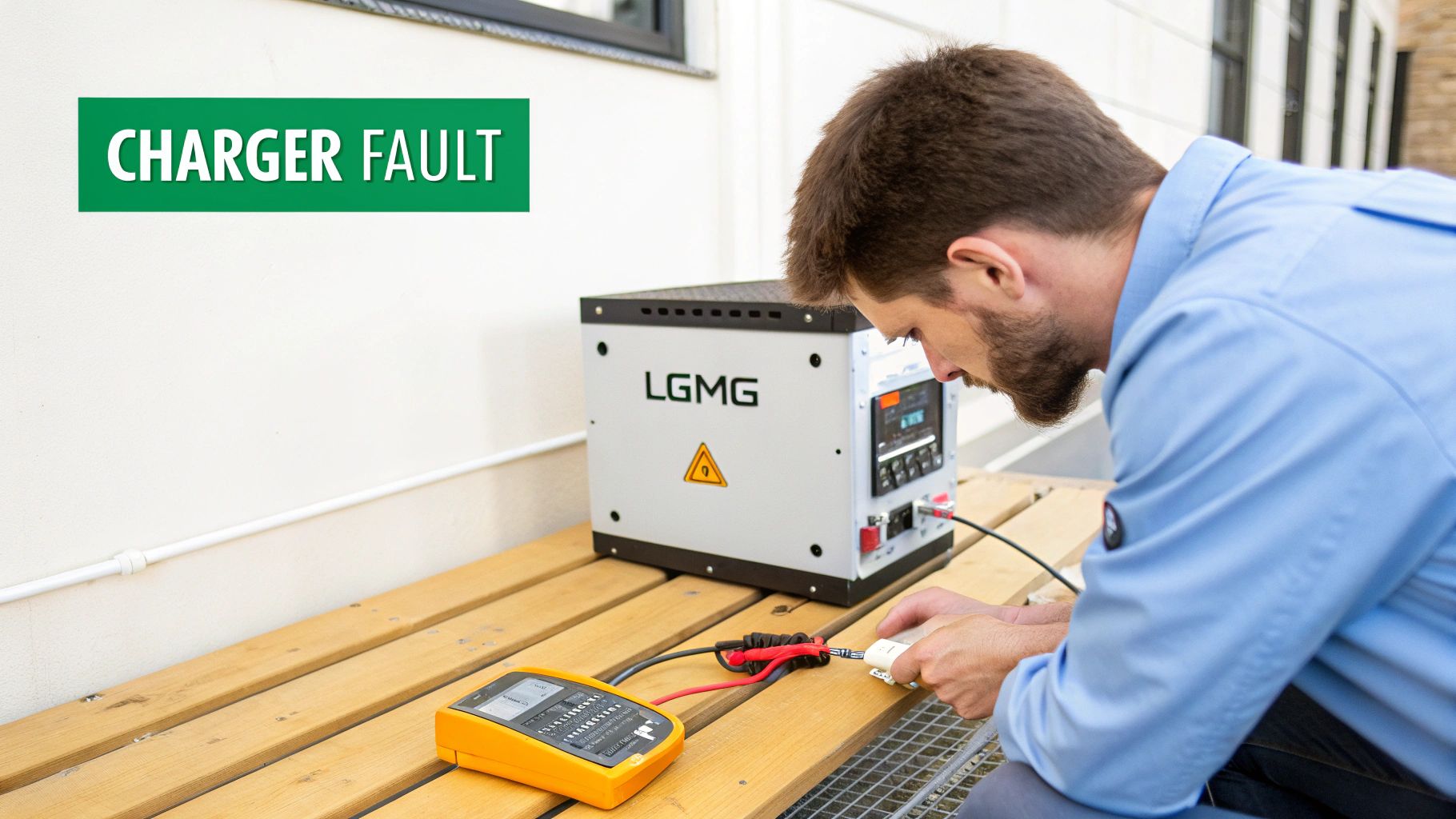
When you swap lead-acid batteries for a modern lithium pack, the onboard charger is still set up for the old tech. A lead-acid profile uses a completely different charging process than what a lithium battery's BMS expects. That mismatch is the root cause of post-conversion headaches.
You're in the right place if you're seeing these symptoms:
- Flashing Charger Lights: The charger flashes an error code, like a Red-Green-Red sequence, and refuses to start the charge cycle.
- BMS Lockout: The lithium battery's brain—the BMS—detects an improper charge voltage and shuts the battery down to protect itself. Your machine is now a very expensive paperweight.
- False Full Charge: The machine's display shows 100% state of charge, but the lift dies surprisingly fast under a real working load. This happens because the charger ended the cycle way too early.
Tools Required
- Laptop with Charger Software (e.g., Delta-Q IDAT)
- USB-to-CAN Bus Adapter (Kvaser or IXXAT)
- Digital Multimeter
- Insulated Hand Tools (wrenches, sockets)
Safety Warning
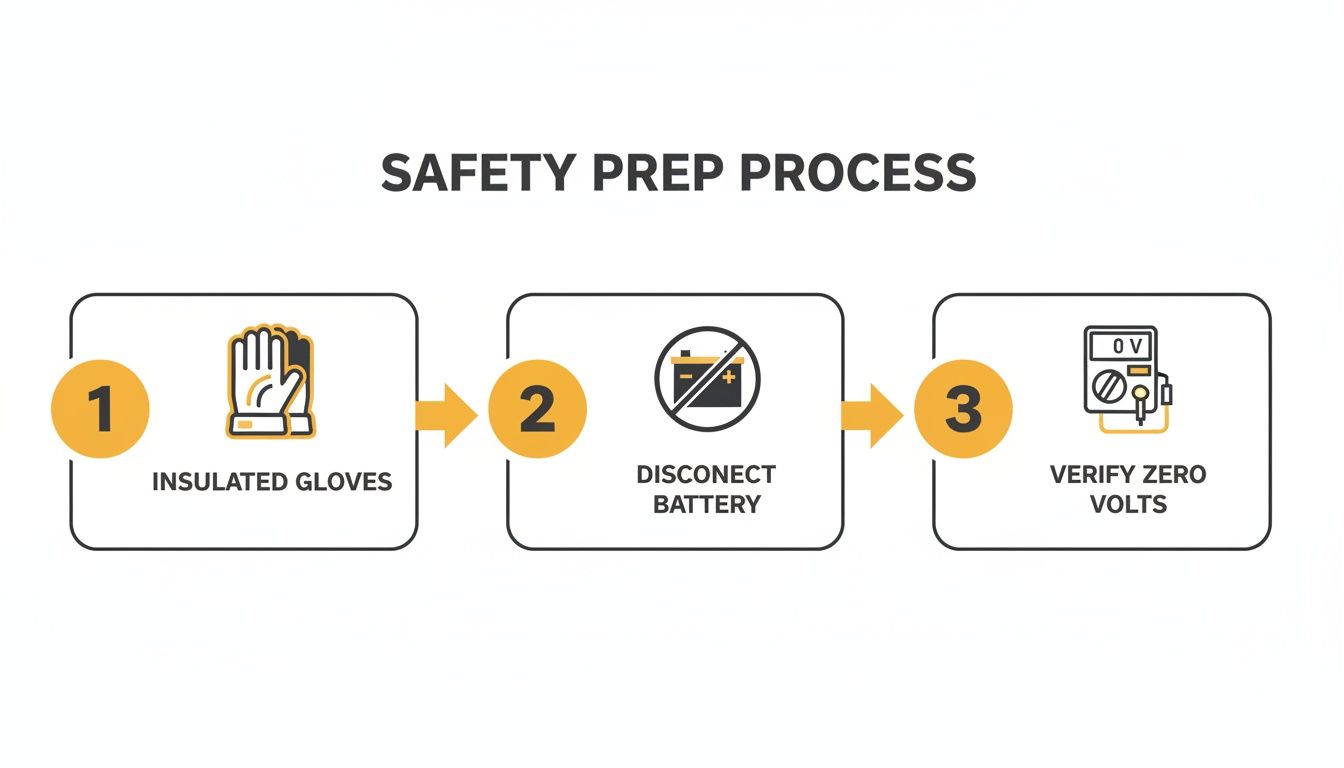
A lithium battery is a different beast. A short circuit from a dropped wrench can create a dangerous arc flash instantly. Always disconnect the main negative battery terminal first and verify zero volts at the charger terminals with your multimeter before touching any connections.
The Technical Guide: Reprogramming the Charger
Follow these steps exactly. A rushed job here can brick a perfectly good charger. We'll walk through identifying your charger, connecting the hardware, and safely uploading the new lithium profile. Note: Components may vary by Gen 1 vs Gen 2 series. Verify with your parts manual.
- Identify the Charger. Locate the data plate on the charger itself. On most LGMG lifts, this will be a Delta-Q IC650 or similar model. You need the exact model number to select the correct software and algorithm file.
- Connect Hardware. With the machine powered down, disconnect the main negative battery terminal. Plug your USB-to-CAN bus adapter into your laptop and connect the other end to the charger's diagnostic port (usually a Deutsch-style connector). Ensure it clicks securely.
- Power Up in Sequence. Reconnect the main negative battery terminal. Turn the machine's keyswitch to the ON position. Launch the charger software (e.g., Delta-Q IDAT) on your laptop.
- Back Up the Old Algorithm. The moment the software connects to the charger, save a backup of the current lead-acid algorithm. Do not skip this. If the new battery fails and you need to drop a lead-acid pack back in to finish a job, you'll be glad you have the original file.
- Upload the New Lithium Profile. Select the "Upload" or "Program" function. You must choose an algorithm file that is a perfect match for the charger model, battery manufacturer, and the battery's voltage and amp-hour rating. Select the correct file and start the upload. Do not unplug anything while it is transferring.
- Verify and Power Cycle. After the upload is complete, check the software's diagnostic screen to confirm the new lithium profile name is active. Then, perform a hard reboot: turn the keyswitch OFF, unplug the CAN adapter, disconnect the main negative battery terminal, wait 30 seconds, and then reconnect the negative terminal. This forces the charger to load the new instructions.
The Part You Need
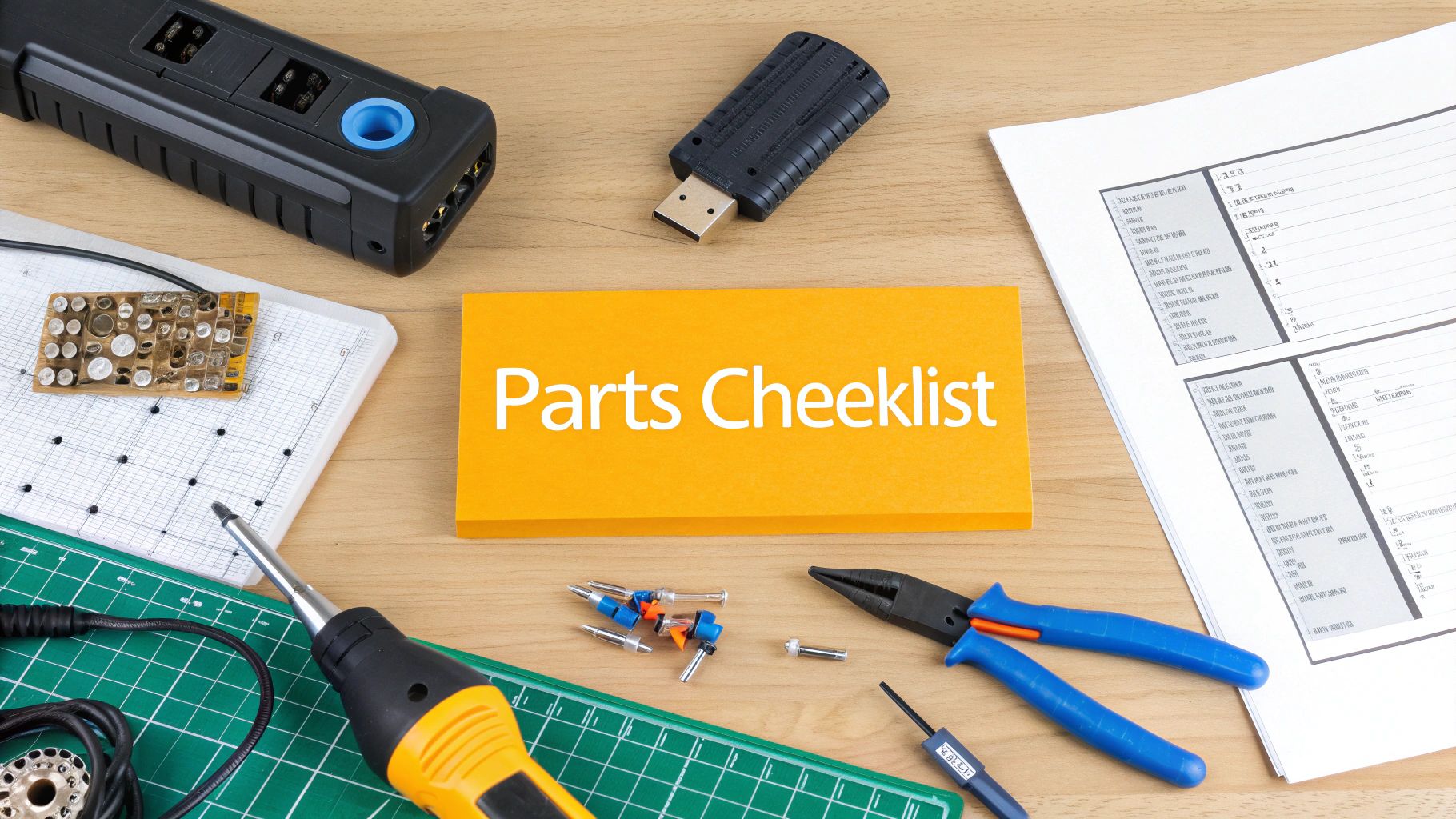
The biggest headache in this process is getting the correct algorithm file or a pre-programmed charger without waiting 6-8 weeks for a dealer. You need the specific software file that matches your new battery pack (Trojan, RELiON, etc.) and your existing charger model.
China Lift Supply stocks pre-programmed LGMG-compatible chargers in the US, allowing you to bypass the 6-week dealer lead time and get the machine running now. This universal Delta-Q charger profile also works for other brands like Sinoboom.
How to Verify and Test the Conversion
<iframe width="100%" style="aspect-ratio: 16 / 9;" src="https://www.youtube.com/embed/tsJUuLuLu1cw0" frameborder="0" allow="autoplay; encrypted-media" allowfullscreen></iframe>Walking away without proper verification is the biggest cause of callbacks. You have to prove that the charger, battery, and machine are all speaking the same language under load. For more on system integration, refer to the official LGMG maintenance manuals.
- Initial Charge Cycle Test: Plug the machine in and watch the charger. It should cycle through bulk, absorption, and finish/float stages without faulting. If it cuts out early, the algorithm is wrong.
- BMS Communication Check: Turn the key on. The dash should be free of battery-related fault codes. The State of Charge (SoC) should climb steadily during charging. A wild swing in the SoC reading points to a CAN-bus communication error.
- Real-World Load Testing: With a full charge, raise the platform and drive the machine. A correctly programmed conversion will show a predictable, gradual drop in voltage. A sudden, sharp voltage drop under load is a red flag that the cells weren't balanced correctly by the new profile.
Common Questions
Here are the straight answers to what I hear most from other mechanics.
Can I Use Any Lithium Profile on My Charger?
Absolutely not. A "lithium profile" isn't one-size-fits-all. Each algorithm is engineered for a specific battery's voltage, capacity, and BMS communication protocol. Using a Trojan profile on a RELiON battery will lead to chronic undercharging and eventually a BMS lockout.
What Happens If I Use the Old Lead-Acid Profile?
At best, it will severely undercharge the pack, killing your runtime. At worst, the mismatched voltage curves will confuse the battery’s BMS, which will shut the battery down to protect itself. Your lift will be dead in the water.
Do I Need a New Charger or Just Reprogram My Current One?
If your machine has a modern, programmable charger like a Delta-Q IC series, you can reprogram it. There's no need to buy a whole new unit if the current one can meet the voltage and amperage requirements of the new battery. The key is getting the correct software file. For other common issues, check our LGMG troubleshooting guides.
Why Is the State of Charge Reading Incorrect After Conversion?
If the battery gauge reads 100% one minute and drops to 40% the next, it's a communication breakdown between the battery's BMS and the machine's controller. This happens when the wrong charging profile fails to properly balance the cells, so the BMS can't get an accurate reading. Verifying the CAN-bus settings within the algorithm is the fix. For more details, see these LGMG maintenance guides.
Can't wait 6 weeks for this part? We have it on the shelf in Kansas. Check the price and availability here: https://www.chinaliftsupply.com.