The Quick Diagnosis If your Dingli scissor lift is fully charged but the controls are dead, the machine's ECU thinks it's still plugged in. This is almost always caused by a faulty onboard charger sending a "ghost signal" or a stuck microswitch in the charge port. A jumper wire is not the fix; replacing the faulty component is the only correct repair.
Symptoms & Identification
Your operator will report that the machine is fully charged but won't move, lift, or drive. This confirms the reader is in the right place for this guide. The classic signs of a charger interlock fault are:
- Dead Controls: The platform controls are completely unresponsive, even though the battery gauge shows a full charge.
- No Functionality: You may hear the main contactor click when the key is turned, but the joystick and lift buttons do nothing.
- Charger is Unplugged: This is the key symptom. The machine behaves as if it's charging even when physically disconnected from AC power.
Tools Required
- Quality Digital Multimeter (with continuity function)
- Insulated Screwdrivers (Phillips and flathead)
- Basic Socket and Wrench Set (10mm, 13mm, 19mm)
- Wire Terminal Tools (strippers, crimpers)
Safety Warning
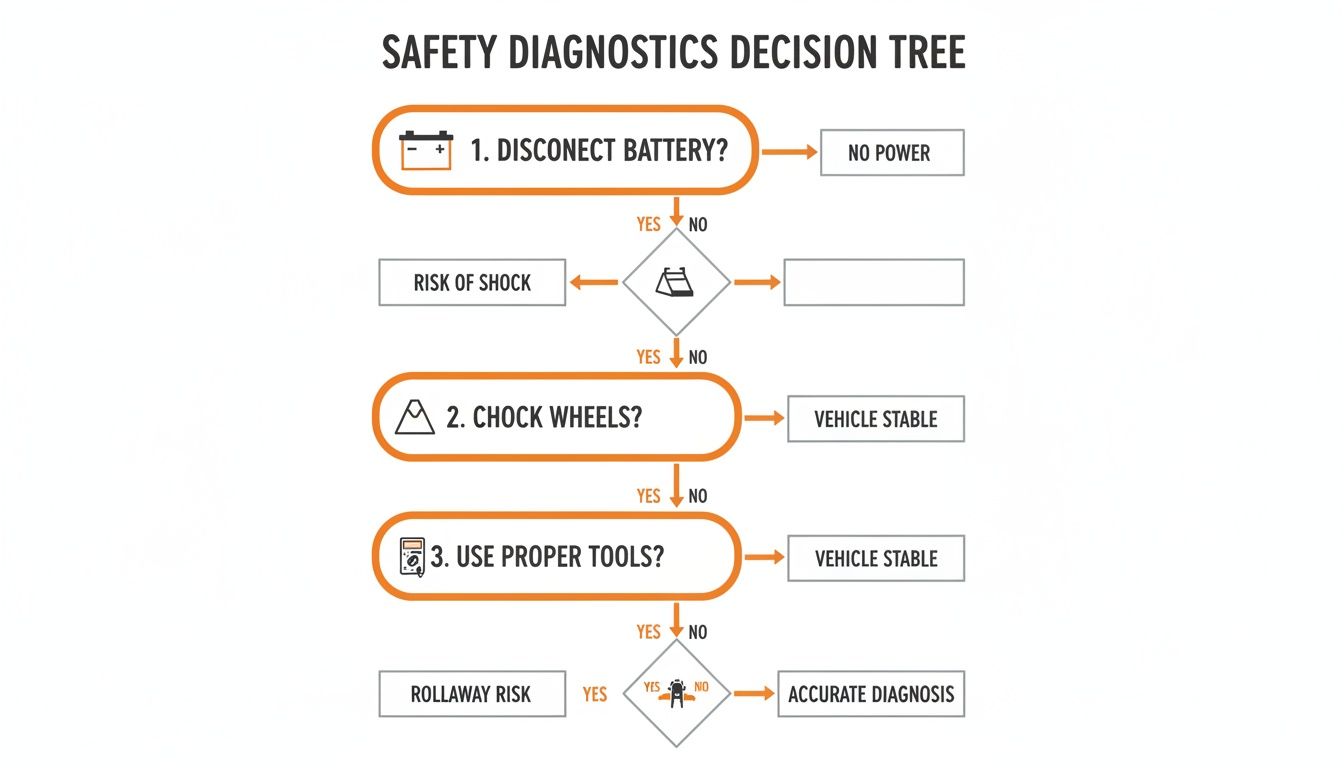
Safety First: Always disconnect the main negative battery terminal before touching any wiring. This prevents accidental short circuits that can destroy the controller or cause injury. Chock the wheels to prevent movement.
The Technical Guide: Step-by-Step Diagnosis
This process will find the faulty component without guesswork. Do not skip steps.
1. Inspect the Charger Port and Plug
Before grabbing a meter, use your eyes. The charge port is exposed to job site abuse. Pop the cover and look for:
- Corrosion: Green or white crust on the pins.
- Bent Pins: Pushed-in or damaged auxiliary pins that carry the interlock signal.
- Moisture/Debris: Conductive dirt or water can bridge the pins.
Clean any grime with contact cleaner and compressed air. A damaged port needs replacement, not a workaround.
2. Test the Charger Receptacle Microswitch
Many Dingli models use a mechanical microswitch inside the charge port. If it's stuck closed, the machine will think it's charging forever.
- Disconnect the battery.
- Access the wiring on the back of the charge receptacle.
- Identify and disconnect the two small wires for the microswitch.
- Set your multimeter to continuity (the function that beeps).
- Probe the two switch terminals. With the charger unplugged, the meter should show no continuity (no beep).
- Insert the charger plug. The meter should now beep, indicating a closed circuit.
If the switch beeps when unplugged or fails to beep when plugged in, the microswitch is bad.
3. Verify a "Ghost Signal" from the Charger
This is the most common failure. The onboard charger fails internally and back-feeds a constant signal to the ECU, even when unplugged from the wall.
- Reconnect the main battery negative terminal for this test.
- Ensure the charger's AC cord is unplugged from the wall.
- Turn the machine's key switch ON.
- Set your multimeter to DC Voltage.
- Probe the interlock signal wire where it exits the charger. (Refer to your model's schematic to identify the correct pin).
You must read 0 volts DC. If you see any steady voltage (5V, 12V, etc.), the charger is faulty and sending a ghost signal. The unit is sealed and must be replaced.
4. Trace the Interlock Signal Wire
If the port and charger test good, the final check is the wire between them. A pinched or shorted wire can mimic a bad component.
- Disconnect the battery again.
- Unplug the harness from both the charge receptacle and the main controller (ECU).
- Identify the interlock signal pin at both ends of the harness using a wiring diagram.
- Check for continuity: Place one multimeter probe on the pin at the charger end and the other on the corresponding pin at the controller end. You must get a solid beep. If not, the wire is broken.
- Check for a short to ground: Leave one probe on the signal wire pin and touch the other probe to a clean spot on the frame. You must get no beep. If it beeps, the wire is shorted to the frame.
The Part You Need
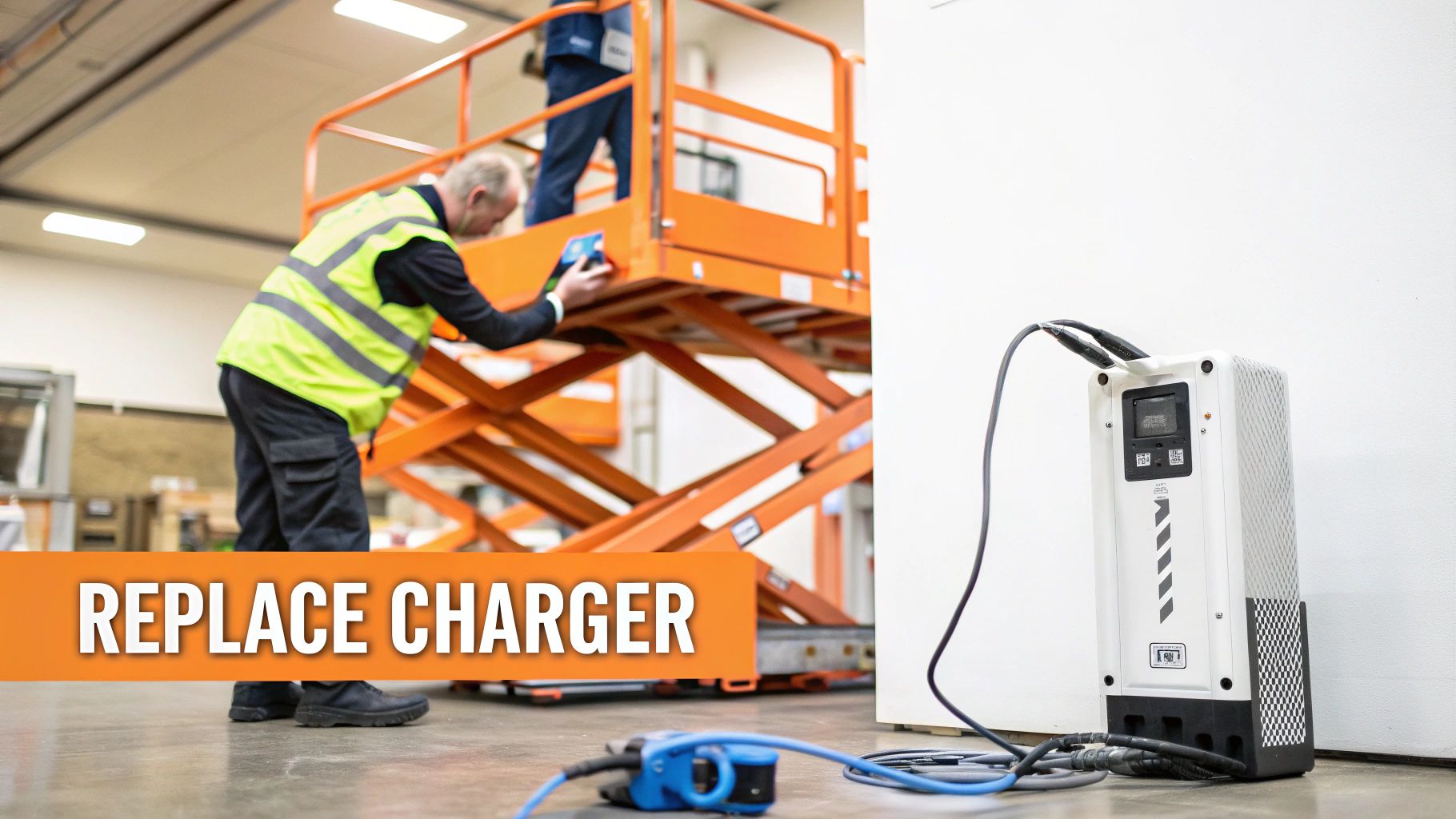
For most Dingli electric scissor lifts, the correct replacement is the DL-00002380 OEM-compatible charger. It is a 24V 25A unit with an IP66 rating, designed to communicate correctly with the Dingli ECU and prevent false interlock signals.
Using a generic "universal" charger is a common cause of these issues, as they lack the correct interlock circuitry. This leads to downtime and diagnostic frustration.
China Lift Supply stocks the DL-00002380 charger in the US to help you avoid the 6-week lead time from the dealer.
Why Jumpering the Interlock is a Mistake
<iframe width="100%" style="aspect-ratio: 16 / 9;" src="https://www.youtube.com/embed/-i40ewYhVnA" frameborder="0" allow="autoplay; encrypted-media" allowfullscreen></iframe>Forums suggest "just jump the two pins." This is shop-floor sabotage. The interlock protects the ECU from voltage surges during charging. A jumper wire bypasses this protection, creating a direct path for high voltage to destroy the controller. You are trading a simple component replacement for a potential $3,000 ECU failure.
Furthermore, disabling a mandated safety feature (ANSI A92.20) voids the warranty and creates a massive liability risk if an accident occurs. Never bypass a safety interlock.
Proactive Maintenance to Prevent Lockouts
The best way to fix an interlock fault is to prevent it.
- Routine Inspections: During every service, visually inspect the charge port for bent pins and corrosion. Clean it with compressed air and electrical contact cleaner.
- Proactive Replacement: For high-use fleets, data shows that proactively replacing chargers every 18-24 months can reduce interlock-related downtime by over 60%. Treat the charger as a wear item, not a lifetime part.
Can't wait 6 weeks for this part? We have it on the shelf in Kansas. Check the price and availability here: Check our price and availability on Dingli charger parts here.