If your Zoomlion lift is charging painfully slow, never hitting a full 100%, or cooking your batteries, the wrong Delta-Q IC650 profile is likely selected. Using the wrong algorithm kills performance and sends good batteries to an early grave. This guide provides the correct profiles and programming steps to fix the problem fast.
The Quick Diagnosis A slow or incomplete charge cycle on a Zoomlion lift is almost always caused by a mismatched Delta-Q IC650 charger profile. The charger's algorithm doesn't match the battery's chemistry (e.g., Flooded vs. AGM) or amp-hour rating, leading to undercharging (sulfation) or overcharging (boiling electrolyte). The fix is to identify the battery model and program the correct profile number using Delta-Q's IDAT software.
Symptoms & Identification
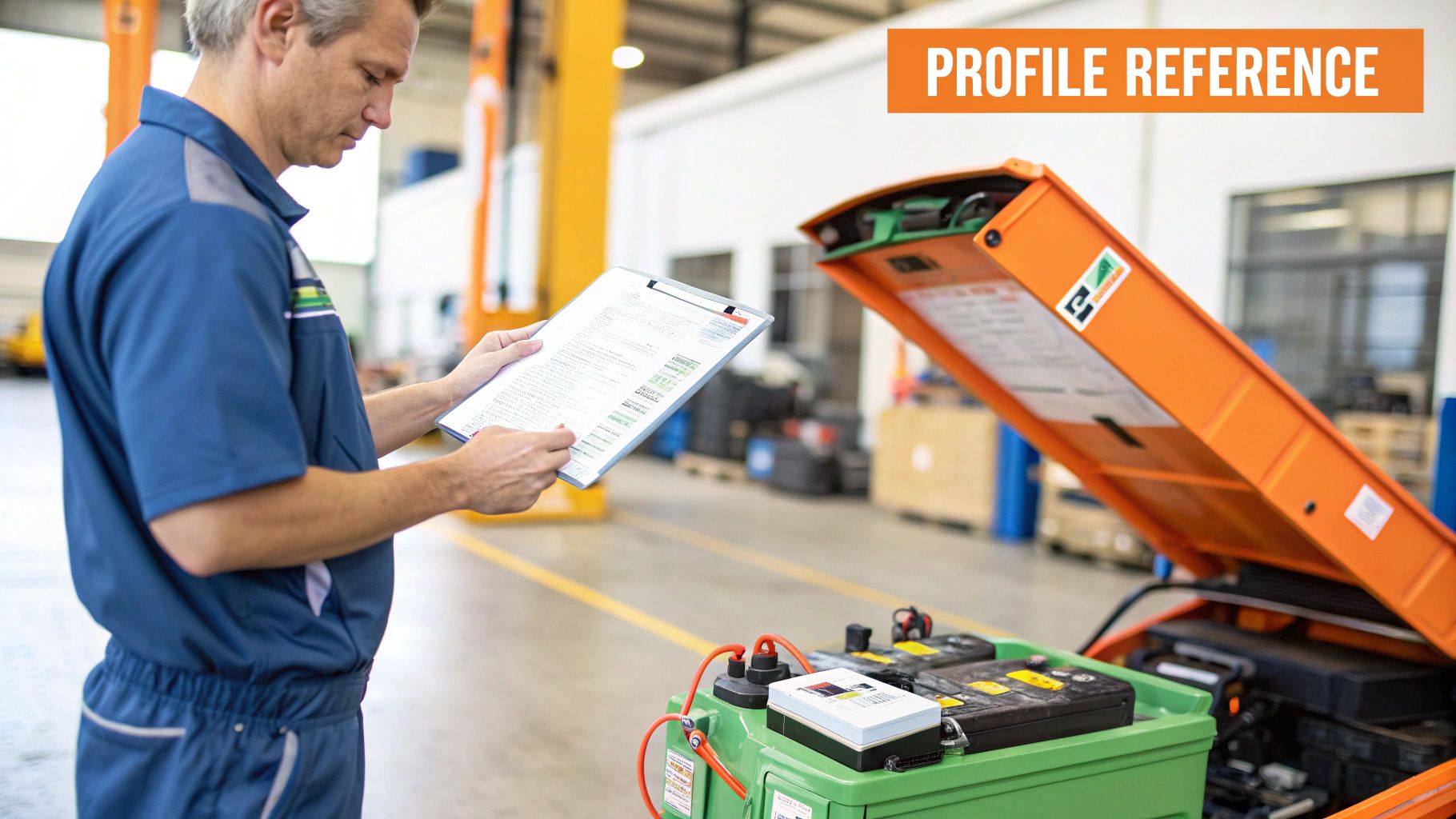
Before programming, confirm you're chasing the right problem. A profile mismatch won't always throw a fault code; it shows up as poor performance.
- Short Runtimes: The lift dies halfway through a shift, even after a full night on the charger. This is a classic symptom of undercharging.
- Excessive Water Consumption: You're topping off the water in your flooded batteries every week. The profile is overcharging, boiling off electrolyte and damaging the internal plates.
- Charger Never Finishes: The charger's light flashes green for hours but never turns solid. The termination voltage in the profile doesn't match what the batteries can accept.
- Flashing Amber Light: The charger is struggling to match its algorithm to the battery's response.
These are not battery problems; they are charging problems caused by a simple software setting. For a deeper dive into other potential electronic quirks, see our complete Zoomlion troubleshooting guide.
Tools Required
- Windows Laptop
- Delta-Q IDAT Software (installed)
- USB-A to USB-B Cable ("printer" cable)
- Small Flathead Screwdriver
Safety Warning
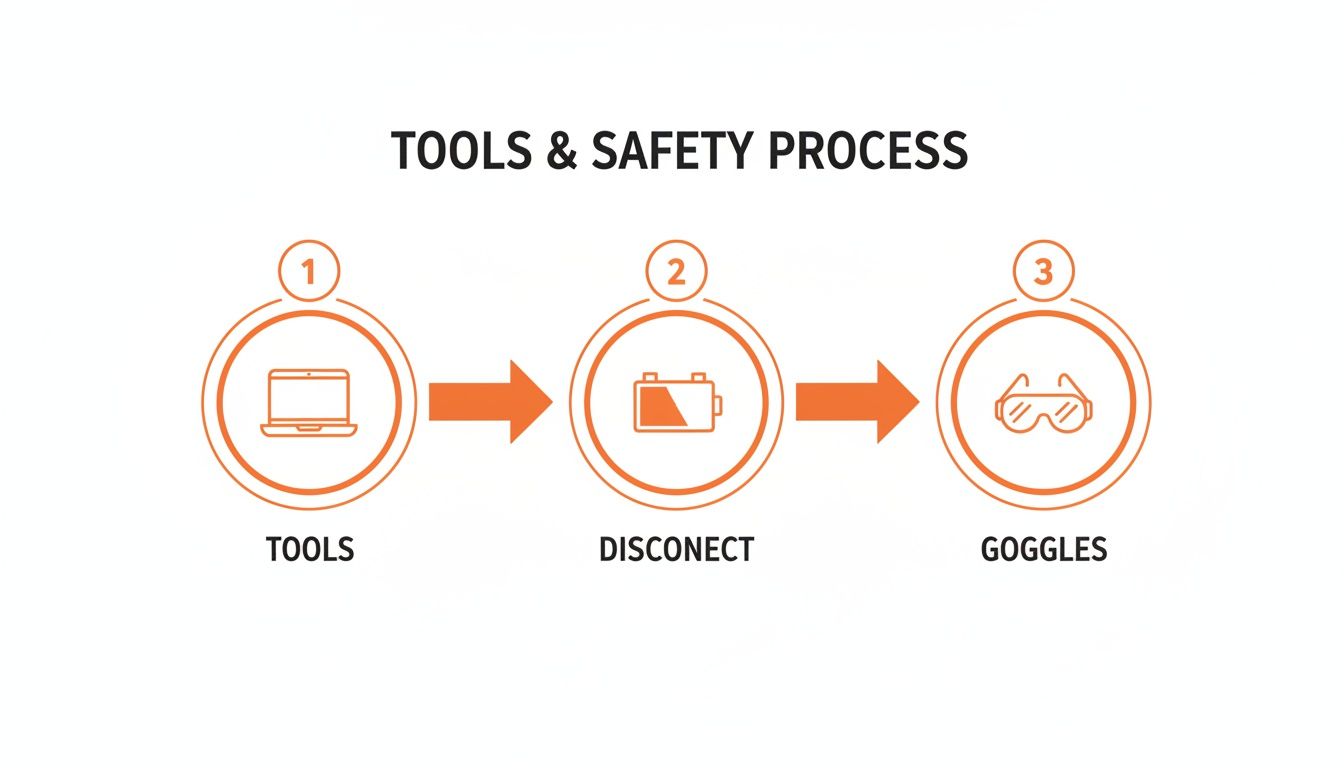
Critical Warning: Before connecting any cables, disconnect the main negative terminal from the battery pack. A 48V DC system carries enough energy to weld tools and cause severe arcing. Skipping this step is extremely dangerous. Wear safety glasses.
The Technical Guide (Step-by-Step)
This process connects to the Delta-Q IC650, identifies the active profile, and loads the correct one for your batteries.
Quick Reference: Zoomlion Battery to Delta-Q Profile
Find the battery installed in your machine to identify the correct profile number.
| Zoomlion Model (Example) | Battery Type | Required Delta-Q Profile # | | :--- | :--- | :--- | | ZS0407DC | Trojan T-105 (Flooded) | 72 | | ZS0607DC | US Battery 2200XC2 (Flooded) | 21 | | ZS0808DC | Generic AGM (220 Ah) | 93 | | ZS1212DC | Crown CR-235 (Flooded) | 208 |
Programming the Charger
- Ensure Safety: Confirm the main negative battery terminal is disconnected.
- Access Port: Use a small flathead screwdriver to gently pop open the plastic cover on the face of the Delta-Q charger to reveal the USB-B port.
- Launch Software: Open the Delta-Q IDAT software on your laptop before connecting the cable.
- Connect Charger: Plug the USB cable from the charger into your laptop. The software should automatically detect the unit and display its serial number, firmware, and the active algorithm.
- Read Charger: Click the "Read Charger" button. This pulls all current data and shows the list of algorithms stored in the charger's memory.
- Select New Profile: Using the reference table, find the correct algorithm number for your battery pack. Scroll through the list in the IDAT software and select it. For example, for Trojan T-105 batteries, you will select Algorithm #72.
- Write to Charger: Click the "Write to Charger" button. The software will transfer the new profile. This takes only a few seconds.
- VERIFY THE CHANGE: This is a critical step. Click "Read Charger" again. Confirm that the profile you just selected is now listed as the "active algorithm." Do not skip this verification.
- Finish Up: Once verified, disconnect the USB cable, snap the plastic cover back on, and reconnect the main battery negative terminal.
Note: Components may vary by Gen 1 vs Gen 2 series. Some older IC650 chargers may have different firmware or a limited list of pre-loaded profiles. Verify with your parts manual.
The Part You Need
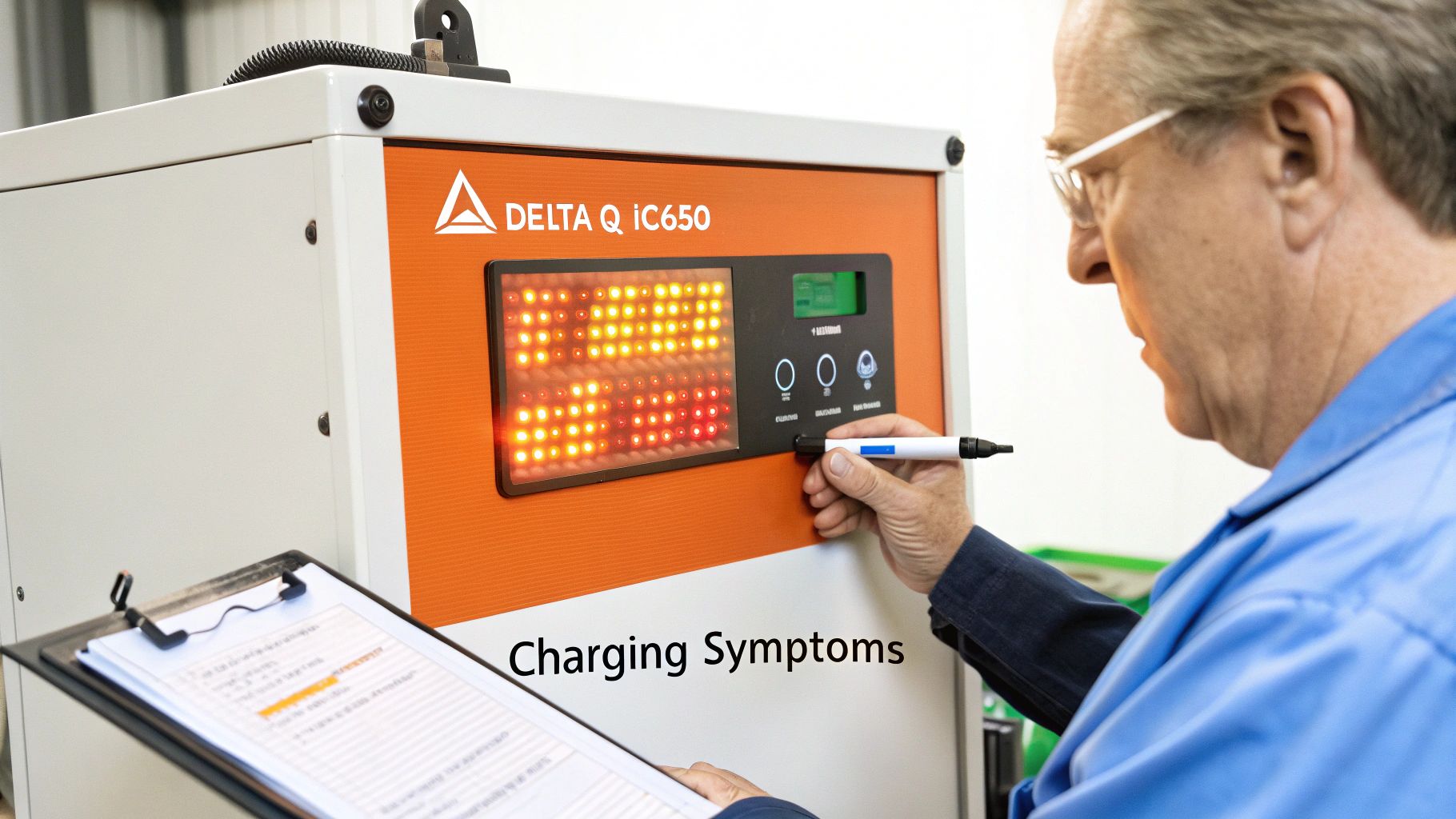
If your charger is damaged or will not accept a new profile, the internal board is likely failed. The only realistic fix is a replacement. Ordering through a dealer often means a 6-8 week lead time from China, turning your lift into a paperweight.
China Lift Supply stocks the OEM-compatible 48V 13.5A Delta-Q IC650 charger in the US, ready for same-day shipping. This universal charger profile works for both Zoomlion and other brands using the same battery configurations. It is the fastest way to eliminate downtime. You can find a wide selection of OEM-compatible Delta-Q chargers that can be pre-programmed for your specific batteries before they ship.
For a full lineup of chargers and other mission-critical components, you can see all available China Lift Supply parts and keep your fleet running.
<iframe width="100%" style="aspect-ratio: 16 / 9;" src="https://www.youtube.com/embed/wgoUm-Ixg7c" frameborder="0" allow="autoplay; encrypted-media" allowfullscreen></iframe>Frequently Asked Questions
Can I use a generic profile if my battery isn't listed?
It’s a gamble. If you must, match the chemistry (AGM vs. Flooded) first, then get as close as possible to the amp-hour (Ah) rating. Using an AGM profile on a flooded battery will cause chronic undercharging and sulfation, destroying the pack.
What happens if I put an AGM profile on a flooded battery?
You'll be buying new batteries soon. An AGM profile uses a lower absorption voltage, which prevents a flooded battery from ever reaching a full charge. This causes performance-killing sulfation to build up on the plates immediately.
How do I know if my charger is CAN-enabled?
Look at the wiring harness. A standard charger has only the main DC power leads and the AC cord. A CAN-enabled version has an extra, smaller multi-pin connector that allows the charger to communicate with the machine's main controller.
Do new chargers need special software?
No, but they must be programmed before installation. When ordering a replacement, specify your exact battery make and model. This ensures the charger arrives with the correct Delta-Q IC650 charger profiles for Zoomlion lifts pre-loaded, making the job a simple plug-and-play swap.
Can't wait 6 weeks for this part? We have it on the shelf in Kansas. Check the price and availability here: https://www.chinaliftsupply.com.